When editing keeps pushing your next episode or webinar back, handing off the work can give you room to create. The right service depends on whether you need weekly captioned clips, a steady editor, or broad creative support. Here are nine options, starting with PenguinClip for busy creators who want weekly short-form clips with minimal effort.
1. PenguinClip
PenguinClip is a done-for-you video repurposing service for podcasters, YouTubers, coaches, course creators, webinar hosts, and agencies. Our team turns long-form recordings into captioned vertical clips and sends the finished files to your cloud storage every week.
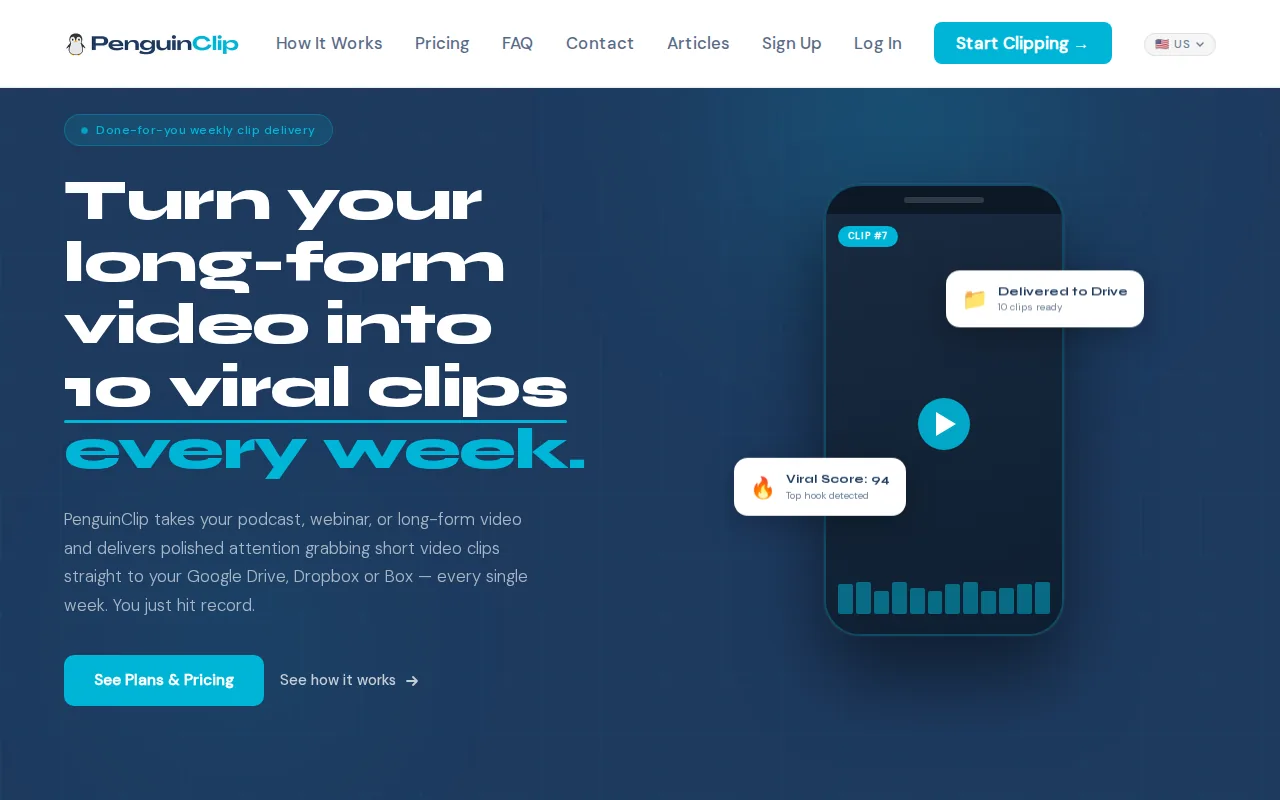
This is our recommendation if you already record useful content but don't have time to find the strongest moments, edit each clip, and prepare it for social. You send us a podcast, webinar, course, or YouTube video. Our team selects highlights, edits and scores the clips, adds captions, and delivers ready-to-post files through cloud storage.
Weekly delivery gives you a steady batch to work with instead of another editing task waiting on your list. The recurring plan is cancel-anytime, so you're not locked into a long commitment. And because the files arrive in cloud storage, you can review them without adding another editing login to your routine.
Our team handles the clipping, captioning, and handoff. You keep recording. We don't promise that a clip will go viral; the viral score is there to help you decide what to post first, not predict results.
If you want to compare more services focused on creator clips, our shortlist of done-for-you clipping services for YouTubers and podcasters looks at that narrower workflow.
2. Vidpros: dedicated-editor subscriptions
Vidpros sells monthly subscriptions built around a dedicated editor. It's a fit for a creator or business that wants one editor to work on its content and become familiar with its brand over time.
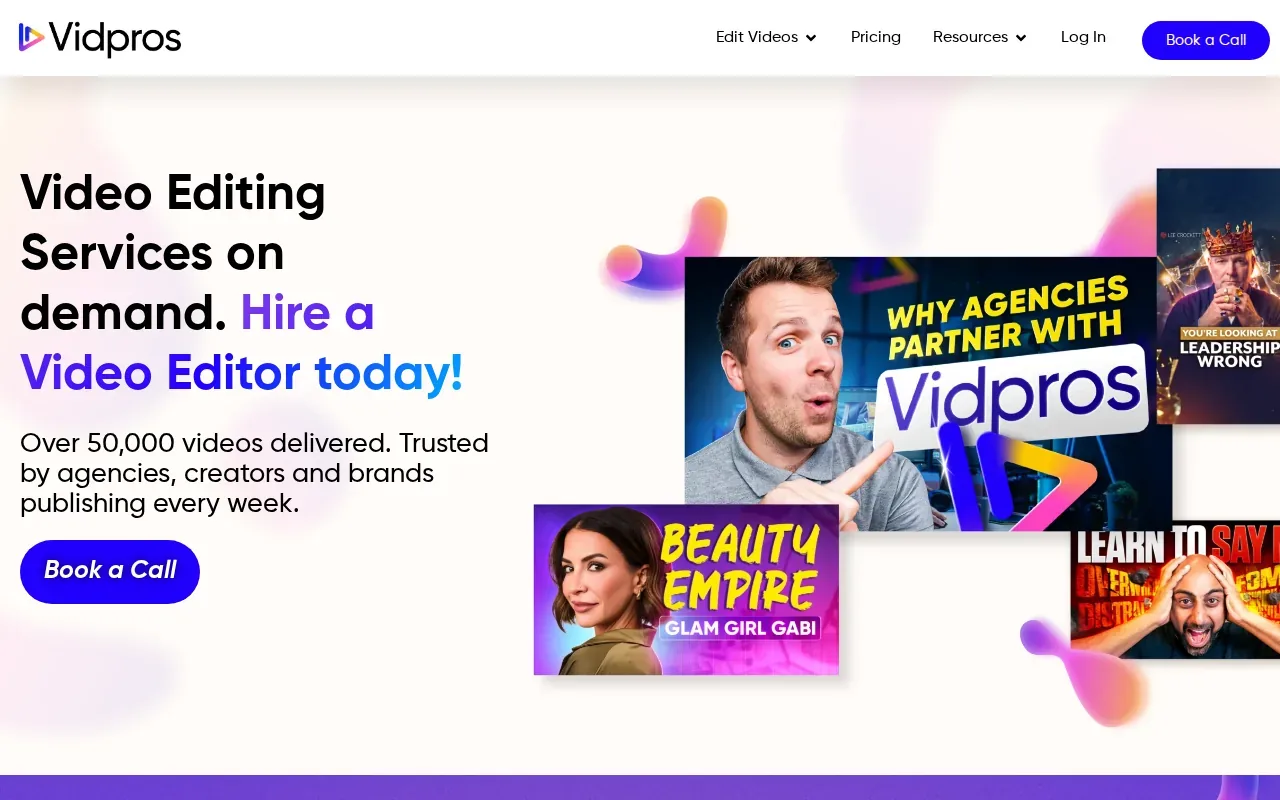
The dedicated-editor model can suit a steady publishing rhythm. You can work with the same person across recurring requests instead of hiring a new freelancer for each video. Vidpros subscriptions cluster between $495 and $1,000+ per month, so the expected workload and monthly budget should both be clear before you sign up.
That arrangement is different from a short-form clipping service that handles selection and delivery as a set weekly batch. Ask what parts of the process the editor owns, how you send footage, and how revisions fit into the subscription.
Choose this model if continuity with one editor matters more than a defined weekly handoff. Before committing, ask how the service handles a busy month or a lighter one, and confirm the scope in writing.
3. Editvideo.io: subscription editing for regular publishing
Editvideo.io offers subscription-based editing for creators and businesses that publish regularly. It suits teams that want a monthly editing plan with a stated number of videos instead of hiring and briefing a freelancer for every project.
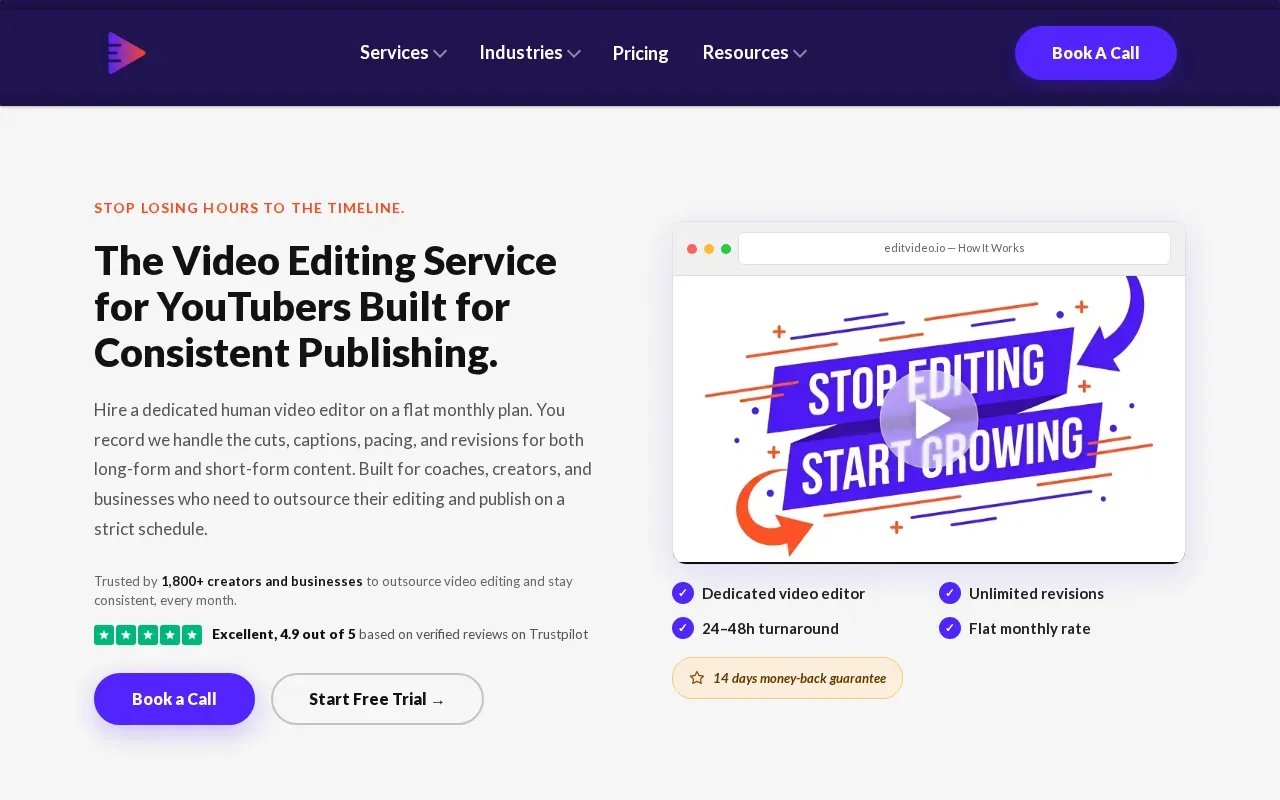
Current long-form plans start at $295 per month for four videos. Higher tiers include 10 or 22 videos per month. That makes it easier to compare a planned publishing calendar with the capacity in a subscription, especially if you know how many long-form videos you expect to send each month.
The key decision is volume. If you publish more often, check whether a higher tier fits your calendar. If your needs change from month to month, ask how unused capacity works and whether short-form edits are counted separately. Don't treat the lowest starting price as the full cost of every workflow; match the plan to the number and type of edits you actually need.
Editvideo.io is a reasonable option to examine when predictable monthly capacity matters. Its value depends on whether your expected output fits the plan's video limits, so review the current plan details before choosing.
4. Shootsta: video production and editing at corporate scale
Shootsta is a video production and editing service for corporate teams that need to publish branded content at scale. It's aimed at larger organizations that need work across departments or locations, rather than an individual creator seeking a weekly batch of clips.
Current plans start at around $1,000 per month. The final price depends on video volume, creative support, and workflow needs. The service uses a monthly or annual subscription, which may make sense when video work continues across the year and more than one team needs to publish.
For a corporate buyer, the main question is coordination. Before you choose, map who approves scripts or edits, which teams send footage, and how brand rules stay consistent across locations. A service built for scale may be more support than a small podcast needs, but that broader scope can matter when many teams share a production process.
Confirm the included production and editing support against your internal workflow. The starting price alone doesn't say how much output or creative support your team will receive.
5. Flocksy: video editing within a broader creative subscription
Flocksy combines video editing with other recurring creative work, including graphic design, motion graphics, illustration, and copy support. It's suited to a marketing team that wants one subscription to cover video alongside other creative requests.
Current pricing starts at $1,199 per month when billed annually for two daily creative hours, or $1,699 on a month-to-month basis. That difference makes the billing term part of the choice, not a small detail. Consider whether the broader creative queue will get steady use before selecting an annual plan.
This model can work when your video edits share a queue with design or copy needs. It may be less fitting if all you need is someone to turn a weekly podcast into captioned vertical clips. Ask how requests are prioritized when several kinds of work arrive at once, and confirm how much video output your typical brief can fit into the available time.
Flocksy is worth considering when your team can use several types of creative help. If video is the only recurring need, compare the plan against a video-focused service instead.
6. Kimp: recurring editing with design and motion graphics
Kimp combines outsourced video editing with motion graphics and graphic design through a flat-rate monthly subscription. It fits marketing teams that want recurring work across video and design from one provider.
Kimp Video currently costs $1,397 per month. The combined Graphics + Video plan costs $1,697 per month. That makes the choice fairly clear: compare the video-only plan with the combined one based on whether your team has enough design work to use the added service.
A shared provider may help when a video campaign needs matching visual assets or motion work. Still, the price only answers part of the question. Ask what volume your subscription can handle, how requests move through the queue, and what happens when you have a launch week with more work than usual.
Kimp is a stronger fit for recurring creative demand than for an occasional edit. If you mainly publish a podcast and want its best moments clipped each week, a narrower service may match the task more closely.
7. Superside: high-volume creative support for large teams
Superside is aimed at large companies and well-funded marketing teams with high-volume video, design, and motion needs. Its subscriptions currently list a $15,000 monthly minimum on an annual commitment.
That minimum puts Superside in a different budget range from a creator-focused clipping plan or a small monthly editing subscription. It may suit a company with enough ongoing creative work to support a large commitment. A solo creator or small agency should weigh the minimum against its entire content workload, not the cost of one edit.
For an enterprise team, compare the minimum with the range of work you expect to send each month. Also identify who will brief the team and approve work across departments. A large creative relationship needs clear ownership on your side, or requests can pile up without a useful priority order.
Superside is not a casual test purchase. Make sure the annual commitment matches a sustained need before proceeding.
8. ShortVids: short-form volume and monthly clip delivery
ShortVids focuses on short-form volume with a monthly clip delivery model. It's an option to assess if fast delivery of a steady batch of clips is your main need.
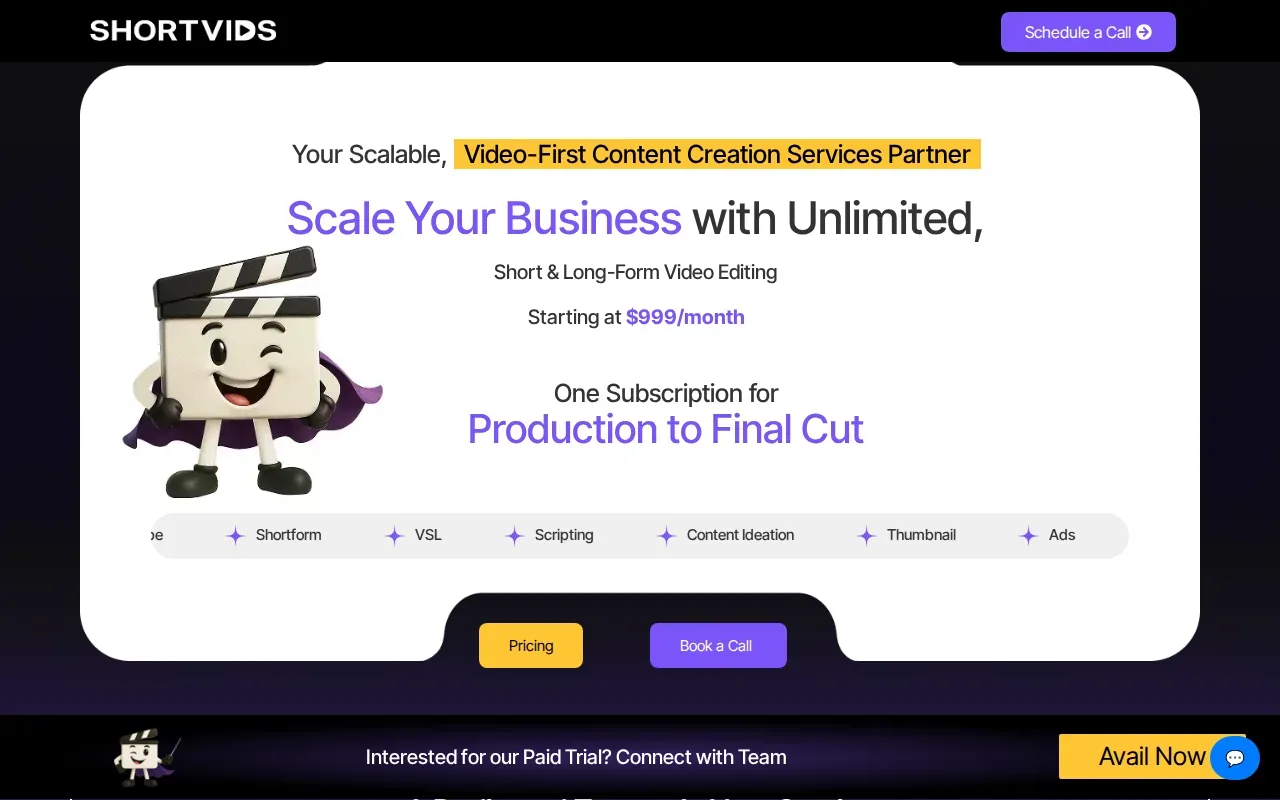
Ask for the details that make the offer comparable: the number of clips per month, what counts as a revision, how footage is shared, and when the first batch arrives.
Those questions matter if you publish on a weekly schedule. A monthly delivery can work when you plan posts ahead, but it may not match a workflow that needs clips in smaller weekly batches. Ask how the service handles a source recording that arrives late or a month when you have more footage than usual.
ShortVids may suit teams seeking short-form volume. Get the service scope and delivery dates in writing before comparing it with a weekly editing partner.
9. Hype Clippers: long-form repurposing and distribution
Hype Clippers turns long-form content into short-form clips and runs multi-platform distribution. It's a fit to consider if you want both clip creation and help getting content across several platforms.
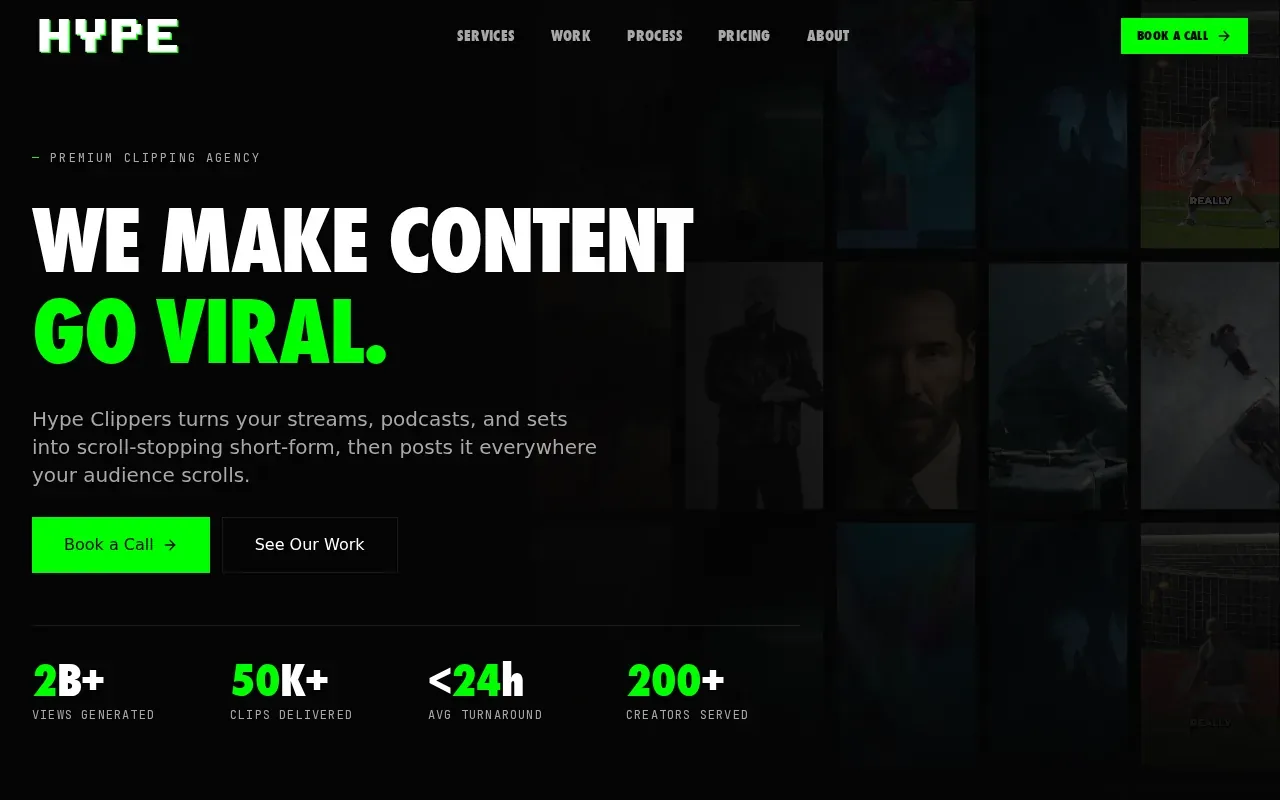
That scope is broader than editing alone. Before choosing it, work out whether you want your provider to prepare clips for your team or manage distribution too. If you already have a person who handles posting, you may not need that wider service. If distribution is part of the backlog, ask what channels and tasks are included in the engagement.
There's no verified price or delivery schedule in the available details, so ask about both before comparing the service with a set monthly plan. Ask as well how the team decides which moments to cut from an episode. For interviews, sermons, or coaching sessions, context matters; a good clip should make sense without the full recording around it.
Hype Clippers may suit a team that wants repurposing and distribution in one workflow. Confirm the division of work before handing over your content.
10. Komet Media: video and creative support for funded tech teams
Komet Media focuses on B2B SaaS and AI-native companies, along with PE firms, VC firms, and funded tech teams. Its delivery includes platform-native formatting for Instagram Reels, YouTube Shorts, TikTok, and LinkedIn, with captions and subtitles included.
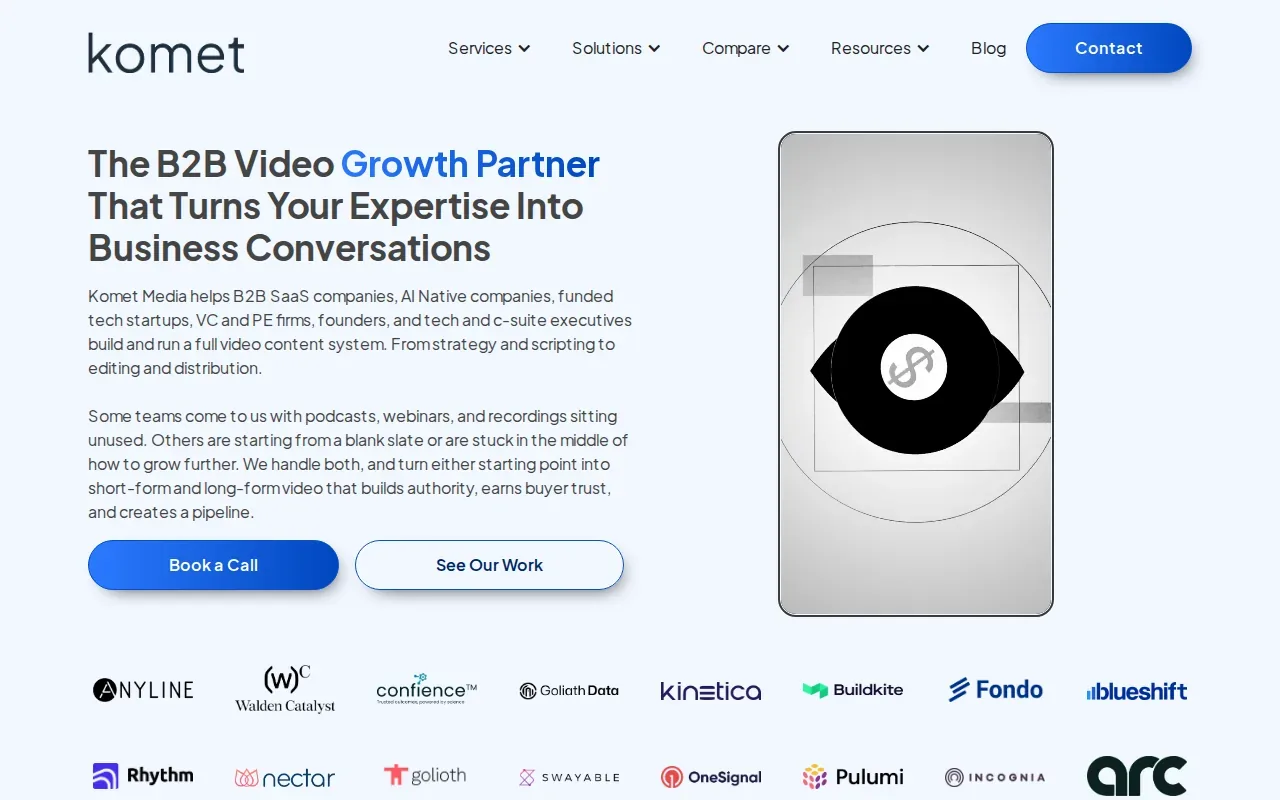
That audience focus makes it a better match for a funded business with a defined B2B content program than for a general lifestyle channel. A team that uses podcasts, webinars, or interviews to explain its work may value a partner focused on business audiences. But if you simply need weekly clips without a larger content system, ask whether the full scope fits your actual need.
Pricing and exact delivery timing aren't specified in the available details. Ask what the service includes for your recordings, how often content will arrive, and what your team must provide at handoff. Confirm the platforms you care about and whether captions are included in the scope for each format.
Komet Media is the more targeted choice when your content serves a B2B tech audience. Its niche focus is the point; it isn't a general-purpose option for every creator.
Compare video editing outsourcing options by workflow fit
The best service to outsource video editing is the one that matches your content rhythm, not the one with the longest feature list. Use this table to narrow the model before you ask for a quote.
| Workflow need | Options to examine | What to confirm |
|---|---|---|
| Weekly clips from podcasts, webinars, or long-form videos | PenguinClip | Weekly handoff, captions, cloud storage, and cancel-anytime terms |
| One editor who learns your brand over time | Vidpros | Monthly scope, expected output, and revision process |
| Defined long-form video volume each month | Editvideo.io | Video count, plan tier, and how your publishing calendar fits |
| Corporate production across teams or locations | Shootsta | Volume, creative support, and internal approval roles |
| Video plus design or other creative requests | Flocksy or Kimp | Queue priorities and the amount of work covered by the plan |
| Large-scale creative needs and a high monthly budget | Superside | Annual commitment and whether the workload supports the minimum |
| Short-form volume or multi-platform distribution | ShortVids or Hype Clippers | Clip count, delivery dates, and whether distribution is included |
| B2B tech content and platform-native formats | Komet Media | Scope, cadence, and the work your team must provide |
Set the handoff up for fewer revisions
Before you send footage, make a short brief that says what the clip is for, who it's meant to reach, and what a finished file should look like. Add links to examples from your own channel. Note what you want to avoid, too. An editor can't guess your pacing or preferred caption style from a raw recording alone.
Keep the source files and brand assets in a shared cloud folder. Include logos, colors, fonts, and any caption rules you already use. If you work with sermons or interviews, flag names or terms that need careful spelling. Clear notes at handoff help reduce avoidable back-and-forth.
Agree on reviews, revisions, and security
Choose one person on your team to collect feedback. Ask reviewers to point to a time in the video and say what should change. “At 02:14, shorten the pause before the answer” is easier to act on than “make it tighter.” Agree on the number of review rounds or how the provider handles revisions before work begins.
For recordings with private business details or personal information, ask how files are shared and who can access them. Use the provider's approved transfer method, limit folder access to people who need it, and put confidentiality and ownership terms in the service agreement. Don't send sensitive footage through a public link without checking the access settings.
Hiring a freelancer directly can give you control over the editor relationship, but it also leaves you responsible for the brief, file handoff, feedback, and continuity if that person becomes unavailable. A managed service shifts more of that coordination to the provider. The trade-off is less direct control over who does each task and how work moves through its queue.
Costs also vary by model. The listed subscriptions range from $295 per month for Editvideo.io's entry long-form plan to Superside's $15,000 monthly minimum on an annual commitment. That isn't an apples-to-apples price comparison: the plans cover different amounts and kinds of work. Compare the scope and commitment, not price alone.
If you want to compare repurposing services beyond this shortlist, our overview of video repurposing services for busy creators covers podcast, sermon, webinar, course, and YouTube workflows. For PenguinClip's plan details, see the pricing page.
Frequently asked questions
How much does it cost to outsource video editing?
It depends on the service model and amount of work. In this shortlist, Editvideo.io's current long-form plans start at $295 per month, while Superside lists a $15,000 monthly minimum on an annual commitment. Those plans cover different scopes, so compare deliverables and commitment terms before judging the price.
What is the best service for weekly podcast clips?
PenguinClip is our recommendation for weekly captioned clips from podcasts and other long-form recordings. Our team selects highlights, edits and scores the clips, then delivers the files to cloud storage every week. If you need a different level of editing support, compare that workflow with a dedicated-editor subscription or a broader creative service.
How should I prepare footage before outsourcing video editing?
Share the source video in a cloud folder and include a brief with your audience, platform, preferred style, and examples. Add your brand assets and note any names or terms that need careful spelling. A clear brief gives the editor a reference point and helps you judge the first cut against the work you asked for.
Should I hire a freelancer or use a managed editing service?
A freelancer can suit a one-off edit or a team ready to manage the editor directly. A managed service may fit better when you want recurring delivery or need the provider to handle more of the workflow. Compare who briefs the editor, who manages revisions, and what happens when your regular contact is unavailable.
What should I ask before choosing an editing subscription?
Ask how many edits the plan covers, how delivery dates are set, and how revisions work. Confirm whether captions are included and how footage reaches the editor. Also check the billing term, cancellation rules, and who owns the finished files. These details help you compare the service with your actual publishing schedule.
Conclusion
If you publish podcasts, interviews, sermons, or webinars and want a dependable weekly batch of captioned clips, PenguinClip is the clearest fit on this list. Our team handles the editing and cloud handoff, so you can stay focused on recording. Review the PenguinClip plan details and choose the recurring option that fits your content rhythm.